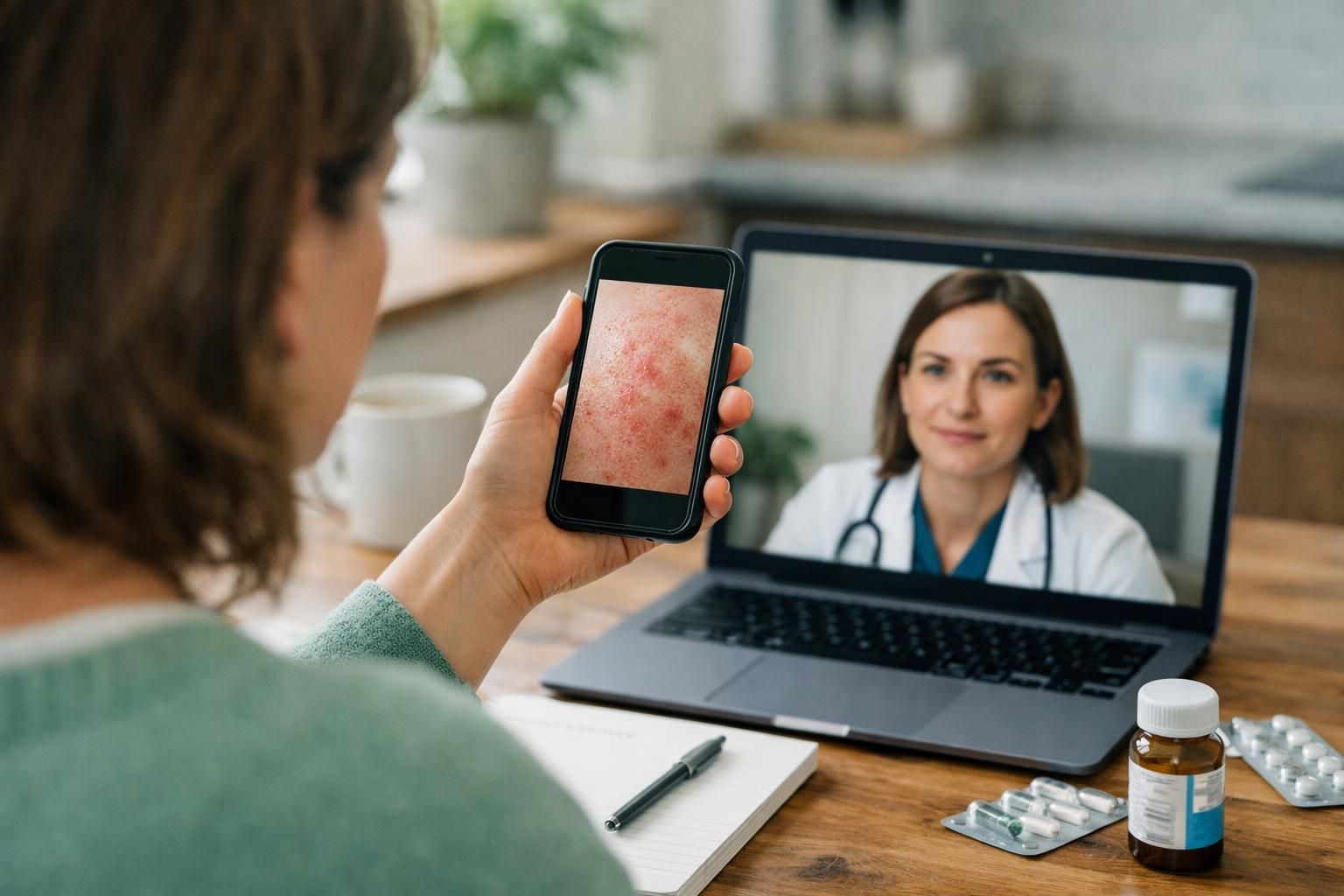
If you’ve ever wondered how does telehealth work for skin issues, you’re not alone. Telehealth (healthcare delivered at a distance) can feel strange the first time, especially when the topic is your skin. The good news is that a telehealth visit for dermatology usually follows a predictable flow. You’ll share your symptoms, sometimes upload photos, and then talk with a clinician through a video visit or phone visit.
In this guide, you’ll learn what telehealth is, how it’s different from telemedicine, what to expect telehealth-wise step by step, what you need on the tech side, and when you should skip virtual care and go in person.
Best for: Straightforward skin concerns, medication refills, follow-ups, and reviewing clear photos without needing a hands-on exam.
Not ideal when: You have severe pain, fast-spreading swelling, heavy bleeding, or a problem that clearly needs a procedure.
Good first step if: You can describe symptoms clearly and take well-lit photos of the rash, spot, or area you’re worried about.
Call a pro if: Your symptoms are rapidly worsening, you feel unsafe waiting, or you’re unsure whether it’s an emergency situation.
Quick Summary
-
Telehealth is care delivered remotely, often through video, phone, or secure messaging.
-
Telemedicine usually means a clinical visit. Telehealth is broader and can include monitoring and education.
-
Dermatology telehealth often uses photos plus a conversation to assess common rashes, acne, and medication questions.
-
You’ll typically do scheduling, forms, and a quick tech check before you meet the clinician.
-
Privacy matters. Pick a quiet space, confirm the platform is secure, and avoid sharing images through regular texting.
What Telehealth is (and How It’s Different From Telemedicine)
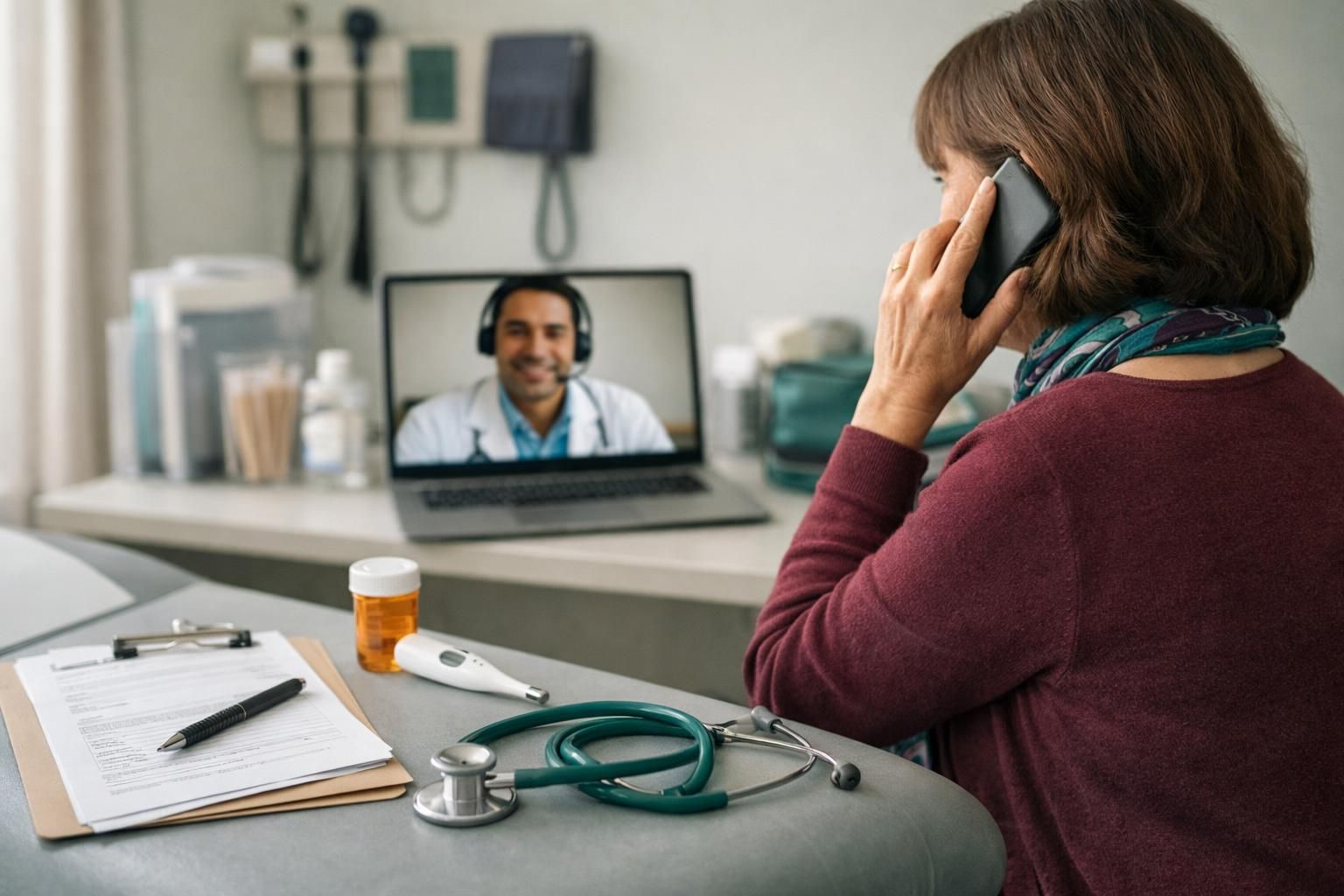
Telehealth is the broader category of remote care when you aren’t in the same room as your care team. Telemedicine usually means the clinical visit that substitutes for an in-person appointment. In practice, telehealth can include video visits, secure messaging, care instructions, and remote monitoring. In dermatology, it often means photos plus a treatment plan without travel.
The Main Ways Telehealth is Delivered
Telehealth is delivered through real-time visits, send-now-review-later tools, and care coordination. Many people use scheduled or on-demand appointments. In dermatology, store-and-forward is common because high-quality photos can be as useful as live video for many issues.
Live Video or Phone Visits (Synchronous Care)
Synchronous care happens in real time via video or phone. It’s closest to a standard appointment because you can answer questions immediately. It’s helpful for new rashes, medication side effects, or decisions that require back-and-forth discussion with your clinician.
Messaging, Photo Uploads, and Portals (Asynchronous Care)
Asynchronous care means you send information and the clinician reviews it later, usually through a secure patient portal. You may upload photos and questionnaires, then receive a plan afterward. It’s useful when timing is difficult or images capture the problem well.
How a Telehealth Appointment Works, Step by Step
Telehealth usually starts with history and images, then a virtual visit to confirm details and agree on a plan.
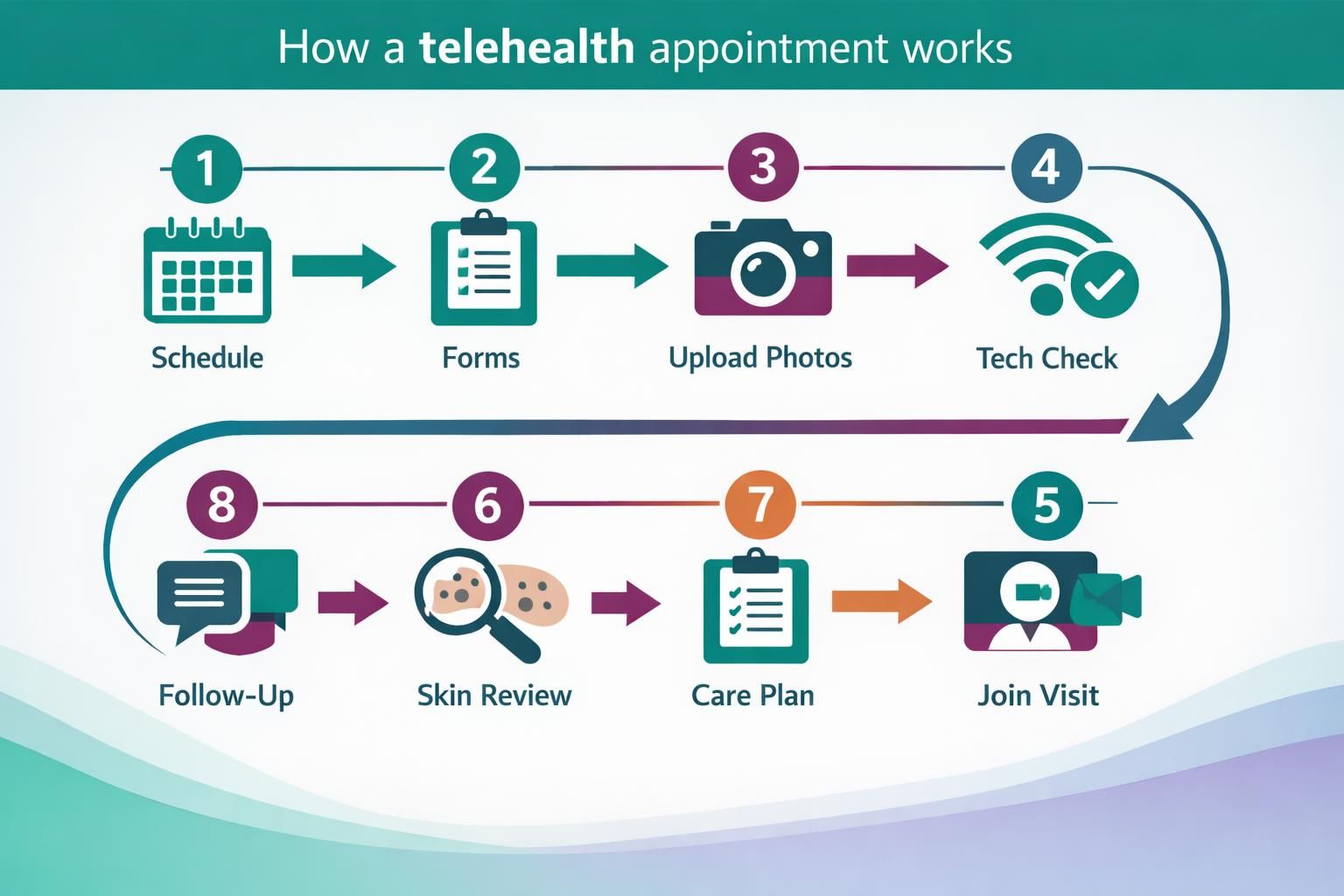
Common steps: schedule (or use on-demand), complete intake and consent forms, upload photos or join video, then review the assessment, prescriptions, skin-care steps, and follow-up timing. If you’re concerned about a changing mole, spotting concerning changes can help you share useful details.
Before Your Visit (Scheduling, Forms, Tech Check)
Before the visit, you’ll schedule, verify identity, and complete forms. Do a quick tech check: open the link early, test webcam/mic/speakers, and fix lighting by facing a window or lamp before you start, too.
During the Visit (What the Clinician Can Evaluate)
Clinicians can assess many visible problems, including acne, eczema, psoriasis, rashes, and some suspicious spots, especially with clear photos. They’ll ask timing, triggers, and what you tried, and may guide camera angles. If you’re unsure about products, understanding eczema product options can help you describe them.
What You Need for Telehealth (Devices, Internet, Apps)
You need a device, stable internet, and a way to share photos or join the visit link. A smartphone is simplest because it handles photos and video. Tablets or computers work with a webcam and microphone.
Typical requirements: a device, audio (headphones help), Wi‑Fi or cellular data with enough bandwidth to avoid freezing, and access via an app or web browser plus portal login. If video stutters, move closer to the router, switch to cellular, or close other apps.
What to Do if You Don’t Have Video or Reliable Internet
If you can’t do video, request a phone visit and upload photos. For unreliable internet, send images through the portal when connected, use a private, stable Wi‑Fi location if possible, or ask the clinic about alternate platforms or access options.
What Telehealth Can and Can’t Treat
Limits: it can’t replace exams needing touch, dermoscopy, biopsies, freezing, injections, or a full-body skin check. Photos may miss texture, scale thickness, shine, or subtle color shifts.
When You Should Go in Person or Seek Emergency Care
Go in person for procedures, full-body checks, or when photos/video aren’t enough for a confident plan. Seek emergency care for trouble breathing, facial or tongue swelling, rapidly spreading hives, severe burns, or fast-worsening redness with fever. If symptoms escalate mid-visit, stop and get urgent help.
Costs, Insurance, and Prescriptions
Telehealth pricing depends on your insurance, plan rules, and visit type (scheduled vs on-demand). Many clinics bill it like an office visit, so you may owe a copay or part of the bill. Some services charge a flat self-pay fee.
Before the visit: confirm telehealth dermatology coverage and that the clinician is in-network, ask what you’ll owe (copay, deductible, coinsurance), and verify whether it’s video, phone, or messaging.
Prescriptions can be sent electronically to your pharmacy. Some meds still require an in-person exam, labs, or documentation, and you may be asked to try OTC steps first with a follow-up.
Privacy and Safety Tips for Virtual Visits
Telehealth can be private and safe when you treat it like a medical appointment. Privacy keeps others from seeing or hearing you. Confidentiality is your clinician’s duty to protect your information.
Set up your environment: choose a quiet room, reduce TV or fan noise, and use headphones if others are nearby. Aim the camera at only what’s needed, and keep the rest of the room out of view.
Use the right tools: upload photos through the clinic portal or official platform, confirm you’re on the correct link, and avoid public Wi‑Fi for sensitive visits. If you must use it, sit where no one can view your screen.
Dermatology tips: take photos in natural light with one close-up and one wider shot, avoid makeup or tinted products on the area, and jot down when it started and what you tried. If audio freezes or lags, say so.
What Happens After the Telehealth Visit (Follow-ups, Labs, Referrals)
After the visit, you’ll get a written plan, any prescriptions, and follow-up instructions, often in the patient portal as part of your health record. The clinician may order labs or review existing results remotely. If hands-on care is needed, you’ll be referred or scheduled for an in-person dermatology visit. Remote monitoring is possible but uncommon in dermatology.
Conclusion
Telehealth dermatology works best when you treat it like a real clinic visit: prepare your info, take clear photos, and make sure your tech and privacy are solid. If you go in knowing what to expect telehealth-wise, the whole telehealth process feels much less intimidating. And if you’re still asking how does telehealth work for your specific skin concern, your next practical step is to gather photos and symptom notes so a clinician can make the safest call.